 Shopify →
  Printavo
No more copy pasting Shopify orders into Printavo.
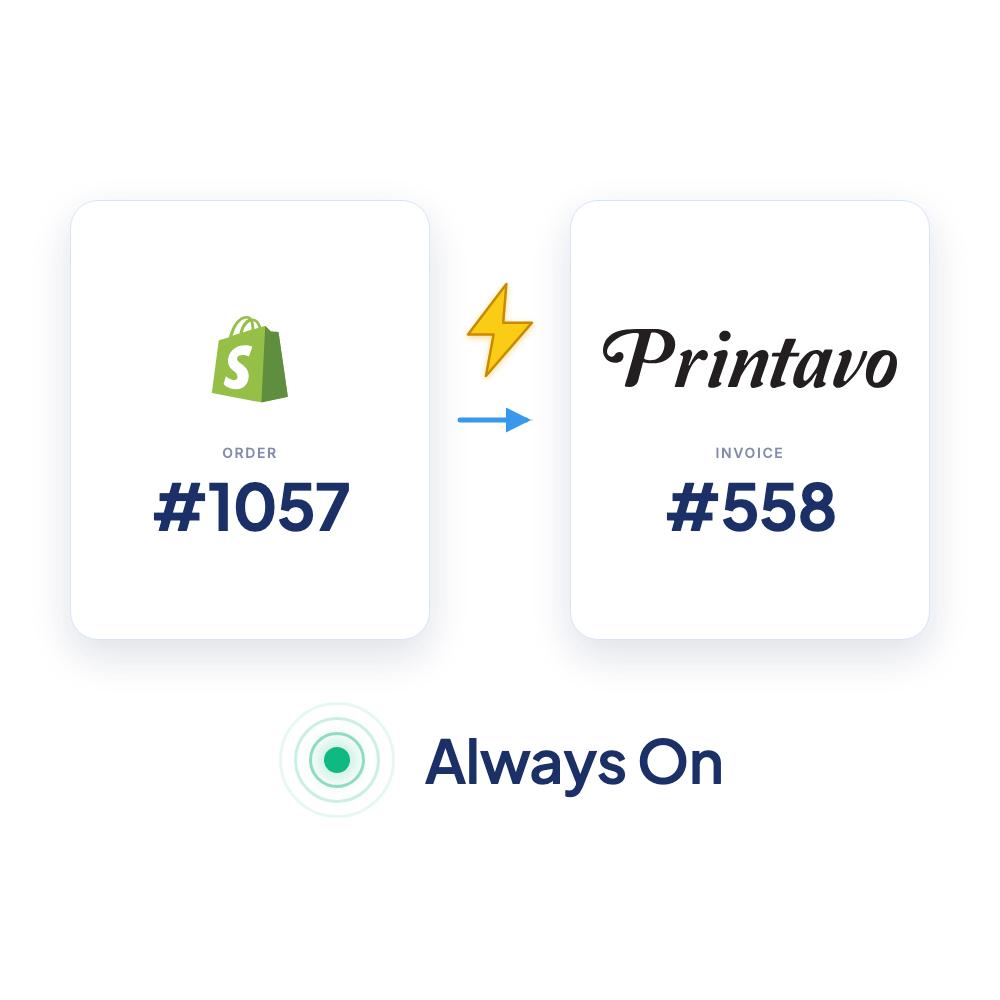
PrintFlo automatically turns your Shopify orders into production-ready Printavo invoices with product mockups, sizes, print locations and intelligent merging so no one re-types orders again.
 Printavo Invoice #558
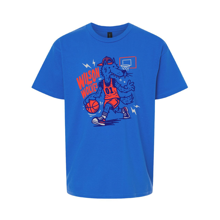
Animation: new Shopify orders arrive in the orders list, PrintFlo tags each with a Printavo invoice number, and clicking an order opens the production-ready Printavo invoice it created, complete with dates, size breakdown, product mockup, and a PAID stamp.
What syncs from Shopify to Printavo
PrintFlo maps the standard order fields automatically. For production-specific details Shopify doesn’t know about, your product item number, category, and imprint/print locations, you can set those on each product once inside the PrintFlo app. From then on, every order containing that product carries the right production details into Printavo automatically.
| Shopify | Printavo | Notes |
|---|---|---|
| Order(s) | Invoice | One order → one invoice (Automation), or many orders merged into one (Queue / Campaigns). Matching products across orders consolidate into line items aggregated by size. |
| Customer | Customer | Every invoice created for your default Printavo customer you choose at setup or optionally create a new Printavo customer per Shopify order. |
| Line items & quantities | Line items | Grouped by product and color. Already-fulfilled and refunded/cancelled quantities are excluded. |
| Size variants | Size breakdown | Auto-mapped to Printavo's size columns (S–6XL, youth, toddler…). Anything unrecognized becomes “Other Size.” |
| Product images | Mockups on line items | Uploaded into Printavo so they persist on the invoice. |
| SKU | Item number | Your Printavo line item number (falls back to the Shopify SKU if not set for product in PrintFlo). |
| Imprints (PrintFlo app) | Imprints | Configured once per product in PrintFlo (details, type of work, artwork), then applied to every order with that product. |
| Category (PrintFlo app) | Line-item category | Chosen per product in PrintFlo from your synced Printavo categories. |
| Tax & shipping | Order fees | Added as fees in Printavo (but can be disabled). |
| Notes & links | Customer notes | Links back to the Shopify order(s), plus discount codes and shipping method. |
Pricing on the invoice is your choice: export the Shopify sales price, no price ($0), or cost per item.
Three ways to export, pick what fits your shop
Automation
Every Shopify order becomes its own Printavo invoice the moment it's placed. Hands-off. Built for print on demand fulfillment of Shopify stores.
Campaigns
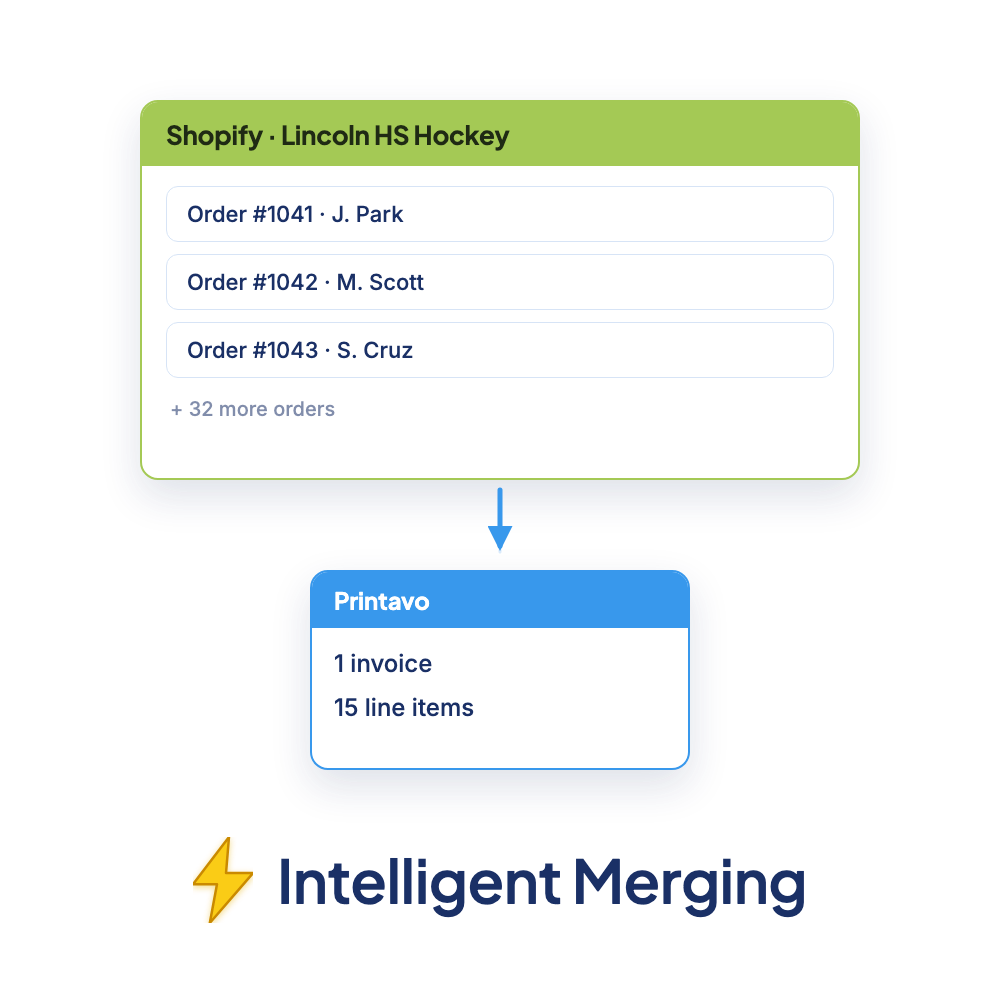
Pick which products ship together. Export multiple Shopify orders as a single Printavo invoice with one click. Built for group orders - team stores, and pre-order drops.
Queue
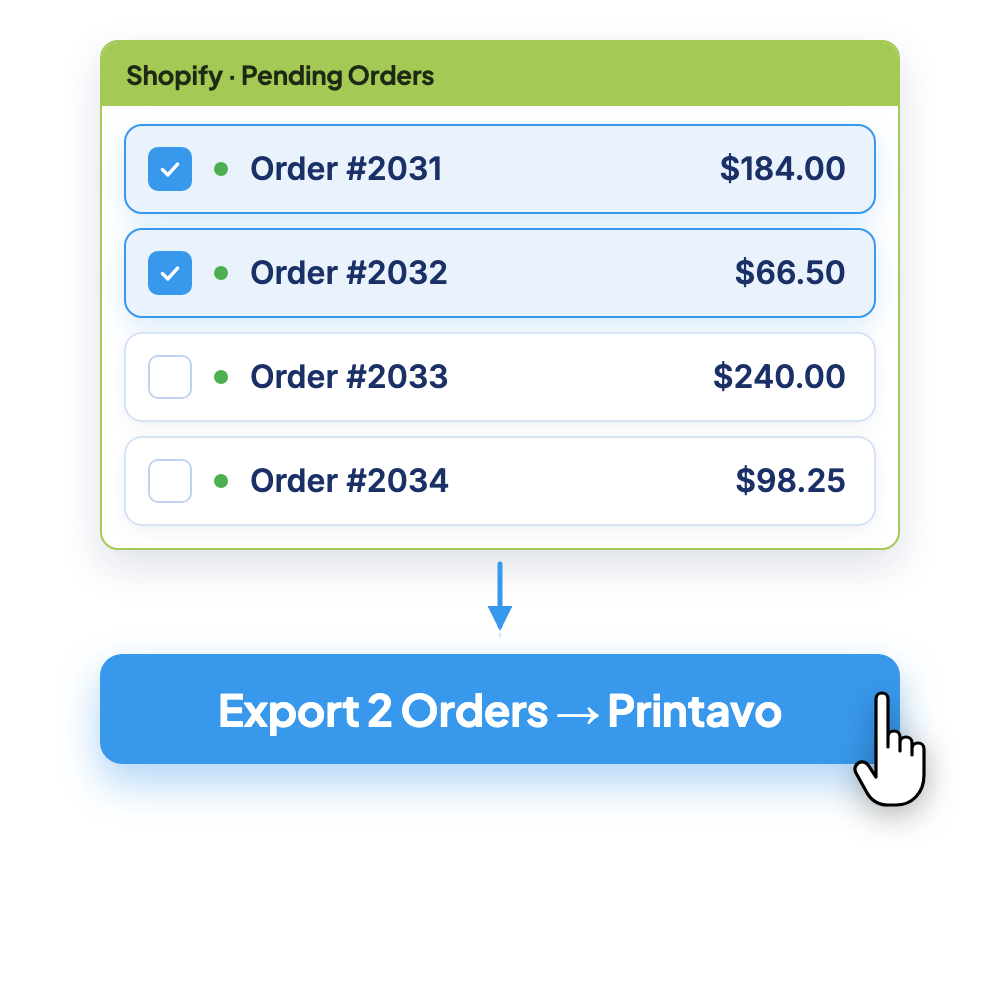
Choose which Shopify orders to group together, all items from each order are part of the same Printavo invoice.
PrintFlo vs. Zapier vs. doing it by hand
| Manual re-entry | Zapier / Make | PrintFlo | |
|---|---|---|---|
| Setup | None | Build & maintain zaps | Connect via API + set defaults |
| Automatically create invoice for each order | No | Yes | Yes - using Automation |
| Merge many orders into one invoice | Using spreadsheet (error-prone) | No | Yes - using Campaigns and Queue |
| Understands production data (sizes - imprints - categories) | Only if a human copies it | No - you have to map the fields yourself | Yes - out of the box |
| Brings over mockups & imprints | By hand | No | Yes - from your product details |
| Brings over customizations | By hand | No | Yes - just a quick toggle |
| Breaks when Shopify/Printavo API changes | N/A | Yes, you have to fix it | We maintain for you |
| Cost | Hours every week | Monthly subscription based on usage | Flat monthly subscription |
The honest summary: Zapier can move data, but it doesn’t understand a print order, you’d rebuild the size mapping, imprints, and consolidation yourself and babysit it. PrintFlo was built by a former Printavo engineer specifically for this hand-off.
Will it work for my shop?
Do I need a specific Shopify plan?
No, PrintFlo works with any Shopify plan.
I run multiple Shopify stores.
You can install the PrintFlo app on each store (each additional store's subscription is at our discounted $50/month rate).
Can I bring in past orders, or just new ones?
PrintFlo can pull in your recent Shopify orders (from the last 90 days) so you can export those as well - not just new orders going forward.
What if I don’t use Printavo?
PrintFlo can produce a Work Order instead of a Printavo invoice, using the same mapping.
Setup in minutes
- 1Install PrintFlo from the Shopify App Store, easy to install + free to use for 14 days.
- 2Connect Printavo with your API key and account email. PrintFlo verifies them.
- 3Set your defaults: Printavo customer, order status, and user that each new invoice uses.
- 4Set up your products once: item number, category, and imprint/print locations per product.
- 5Choose an export mode (Automation, Campaigns, or Queue) and orders start flowing in as production-ready invoices.
Trusted by shops that run on Printavo + Shopify

“PrintFlo is crucial to our operation. And with Neel's customizations and upgrades that he made for our install, we are running more smoothly and efficiently than ever. Great app, wonderfully supported and a great fit. Highly recommend.”
“PrintFlo saves our business valuable time and resources when translating online Shopify orders into our Printavo production management system. I highly recommend this product to anyone using Shopify as their online store platform and Printavo as their production software. The developer is very helpful and responsive with any and all questions.”

“PrintFlo has added significant value to our store by streamlining the creation of embroidery proofs. The platform has helped improve efficiency and consistency in our workflow, especially as order volume scales. The customer service team has also been responsive and helpful, providing timely support and guidance whenever needed.”
Also connect OrderMyGear to Printavo with OMG Exports if you sell on both.
Frequently asked questions
How do I connect Shopify to Printavo?
Install PrintFlo from the Shopify App Store, connect your Printavo account with your API key and email, set your defaults and per-product details, and choose an export mode, Shopify orders start flowing into Printavo as invoices.
What Shopify data does PrintFlo bring into Printavo?
Line items, mockups, colors, sizes and customer info come straight from Shopify. The production-specific details such as item numbers, categories, imprints/print locations, and production files come from a one-time per-product setup inside PrintFlo, so they map automatically on every future order.
Where do print locations and imprints come from?
You configure them once per product in PrintFlo (imprint details, type of work, and artwork). PrintFlo then applies them to every order containing that product. Shopify itself doesn’t carry print-location data.
Can I combine multiple Shopify orders into one Printavo invoice?
Yes, use Campaigns (great for team stores, fundraisers, drops) to merge all orders for specific products or the Queue to hand-pick orders into one invoice.
How is this different from Zapier?
Zapier gives you raw API fields and requires you to build and maintain the logic. It doesn’t understand production data such as size mapping, customizations, imprints, and mockups. PrintFlo is purpose-built for the Shopify-to-Printavo workflow, hand-offs, and maintained for you.
Does it work with multiple Shopify stores?
Yes, you can install the PrintFlo app on each store.
How much does PrintFlo cost?
Free to install, with a 14-day free trial. Paid plans start at $99/month, plus $50/month per additional Shopify store.
Do I need to be technical?
No, the only technical step is pasting your Printavo API key and email, and support (team@getprintflo.com) is fast. PrintFlo was built by a former Printavo engineer.